ໝາຍເຫດ: ນີ້ເປັນໜຶ່ງໃນ assignment ທີ່ຂ້ອຍໄດ້ໃນລະຫວ່າງການຮຽນກັບມະຫາໄລ Vanderbilt ຕັ້ງແຕ່ປີ 2 ແລະ ເບິ່ງຄືວ່າປີນີ້ເຮົາຈະໄດ້ຮຽນ MATLAB ອີກຮອບເລີຍເອົາຟັງຊັ້ນເຈັງໆມາແຈກ
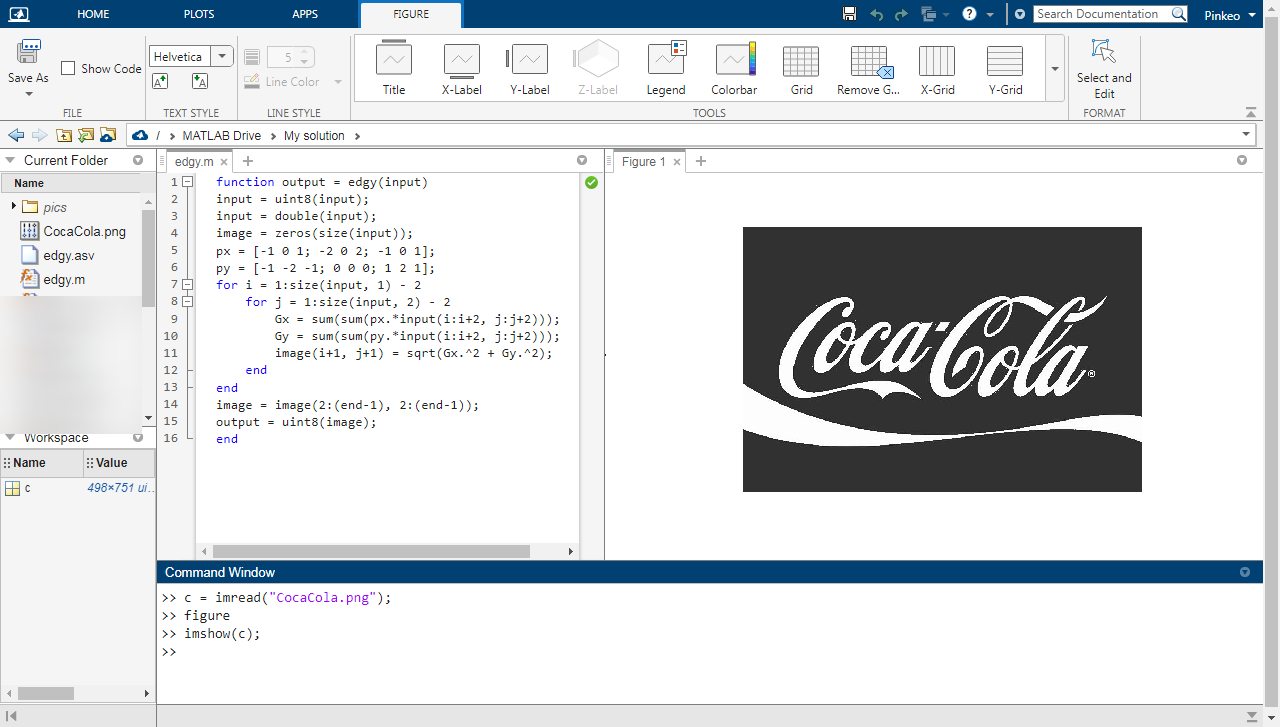
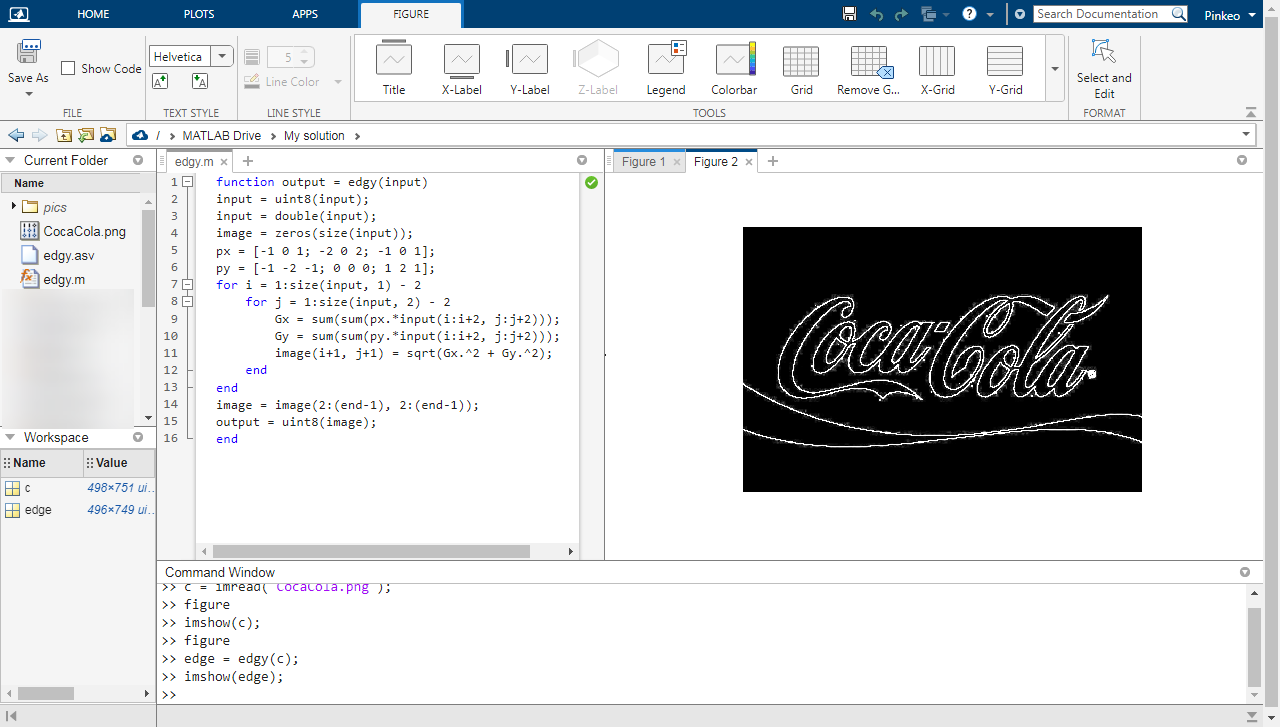
ສຳລັບໂພສນີ້ ເປັນການຂຽນຟັງຊັນເພື່ອກວດຈັບຂອບຂອງຕົວໜັງສືໃນຮູບພາບ ດັ່ງຮູບລຸ່ມນີ້
 ມາເປັນຮູບນີ້

ເລີ່ມດ້ວຍການຂຽນຟັງຊັນ
function output = edgy(input)
input = uint8(input); % ປ່ຽນ input ເປັນ uint8
input = double(input); % ປ່ຽນ input ເປັນ double
image = zeros(size(input)); % ປ່ຽນຂະໜາດຂອງຮູບພາບໃຫ້ເປັນ 0
px = [-1 0 1; -2 0 2; -1 0 1];
py = [-1 -2 -1; 0 0 0; 1 2 1];
for i = 1:size(input, 1) - 2
    for j = 1:size(input, 2) - 2
        Gx = sum(sum(px.*input(i:i+2, j:j+2)));
        Gy = sum(sum(py.*input(i:i+2, j:j+2)));
        image(i+1, j+1) = sqrt(Gx.^2 + Gy.^2);
    end
end
image = image(2:(end-1), 2:(end-1));
output = uint8(image);
end
ສຳລັບການເອີ້ນໃຊ້ຟັງຊັນແມ່ນເຮັດຢູ່ໃນ command window
c = imread("CocaCola.png");
figure
imshow(c);
edge = edgy(c);
figure
imshow(edge);
ລອງຮູບອື່ນ

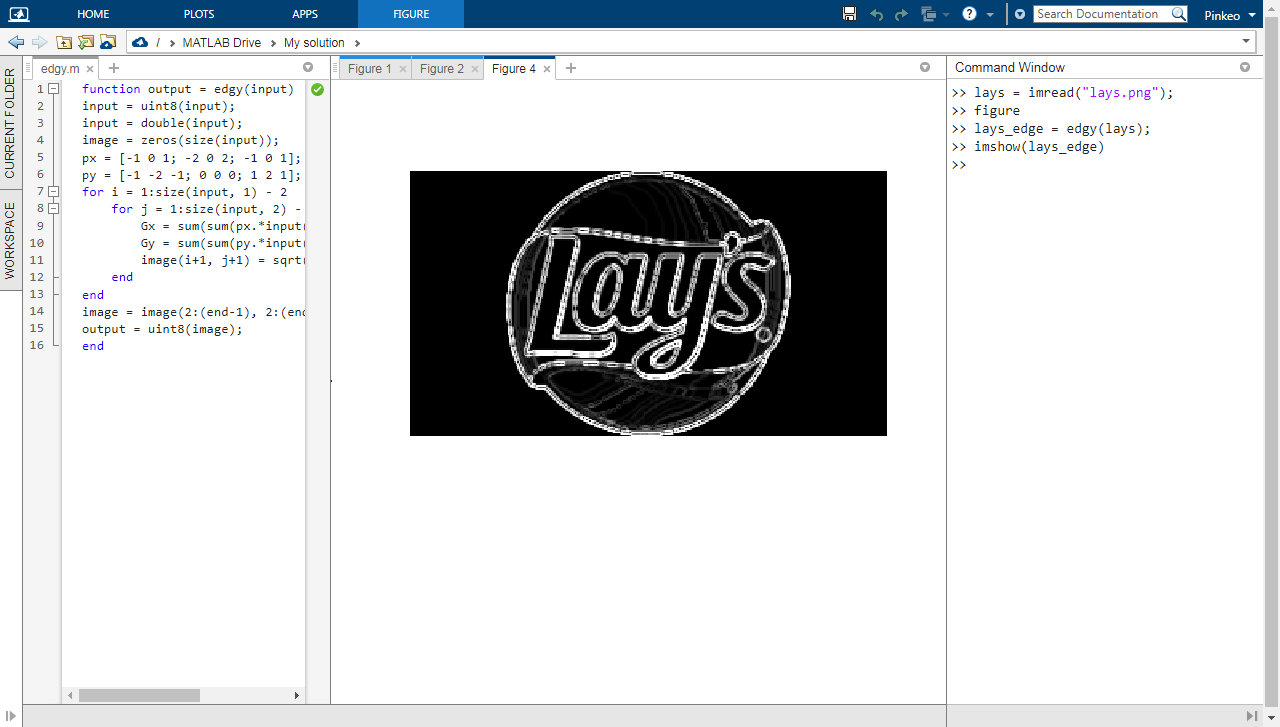

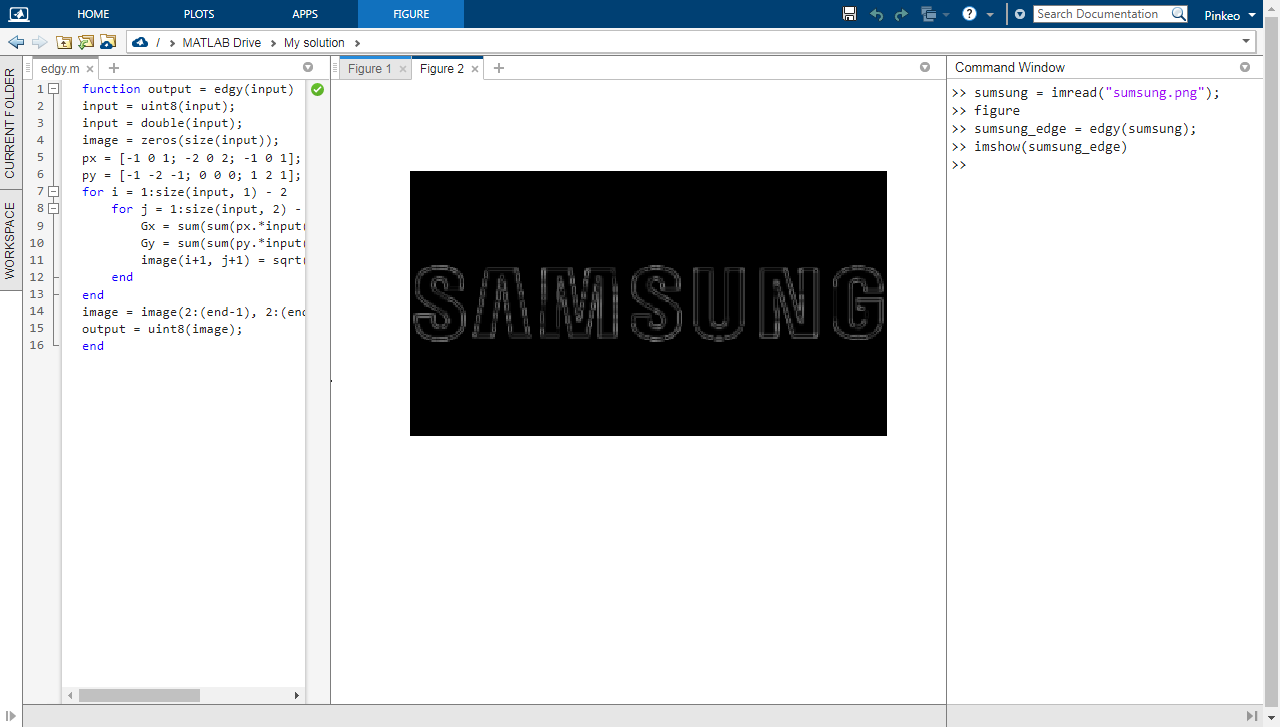

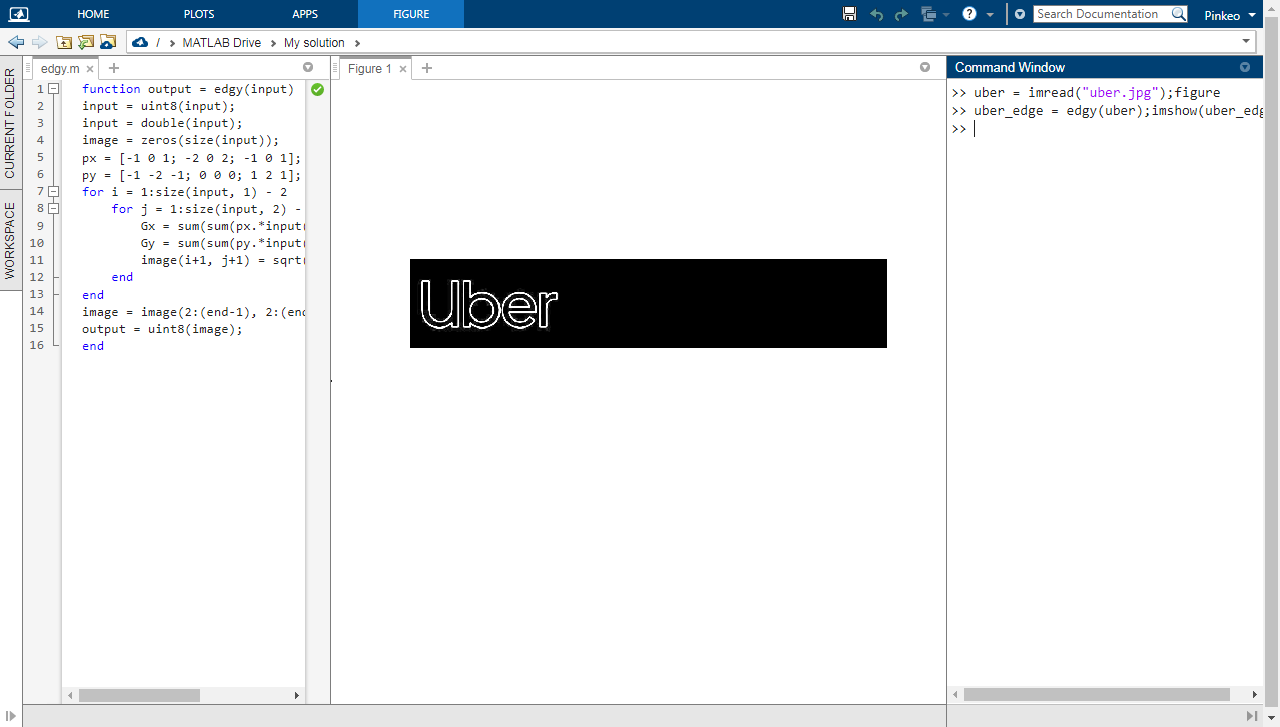
Output
ແລະນີ້ຄືຟັງຊັນສຳລັບການກວດຈັບຂອບໃນຮູບພາບທີ່ຂຽນໃນ MATLAB
Thankyou :)❤